Intelligent planning, imposing results
The AI-powered solution that transforms planning and imposition for any print business.
Phoenix is made for you if you're looking to slash time and costs with groundbreaking job planning and imposition capabilities.
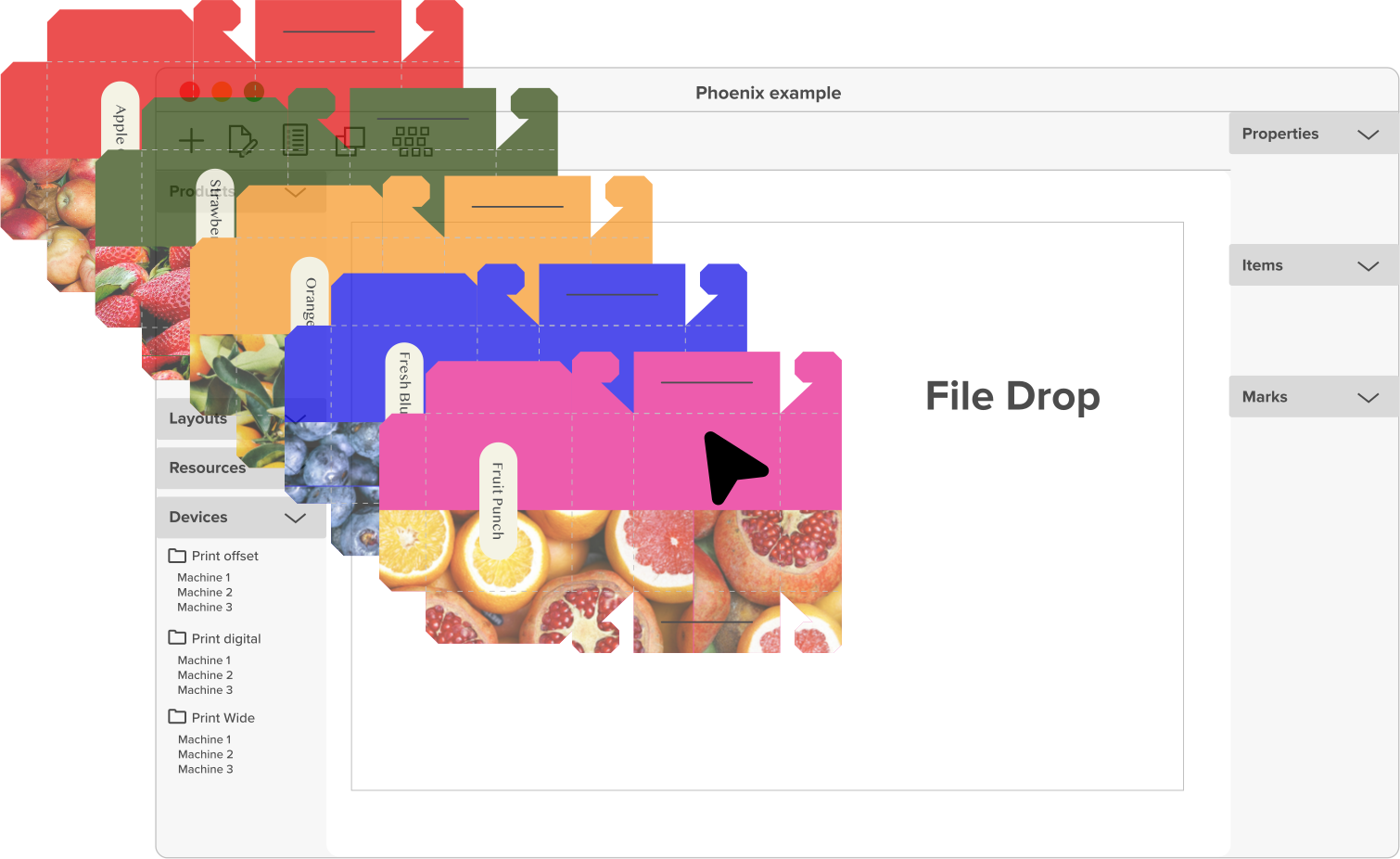
Phoenix clones your production environment, defining all your devices, including printers, offset, digital, cutting devices, etc. This will allow Phoenix to calculate your best options, schedule jobs, and estimate costs effectively.
Beyond its direct connection with Switch, Phoenix provides broad integration capabilities with other solutions, thanks to our robust REST API.
Or get a demo

Dynamic Cost Calculations
Generate accurate cost estimates based on device-specific or custom information.

Automated Production Scheduling
Streamline production schedules and optimize material usage for maximum efficiency.
Enhanced Workflow Control
Leverage Phoenix libraries and presets for workflow integration with Enfocus Switch.
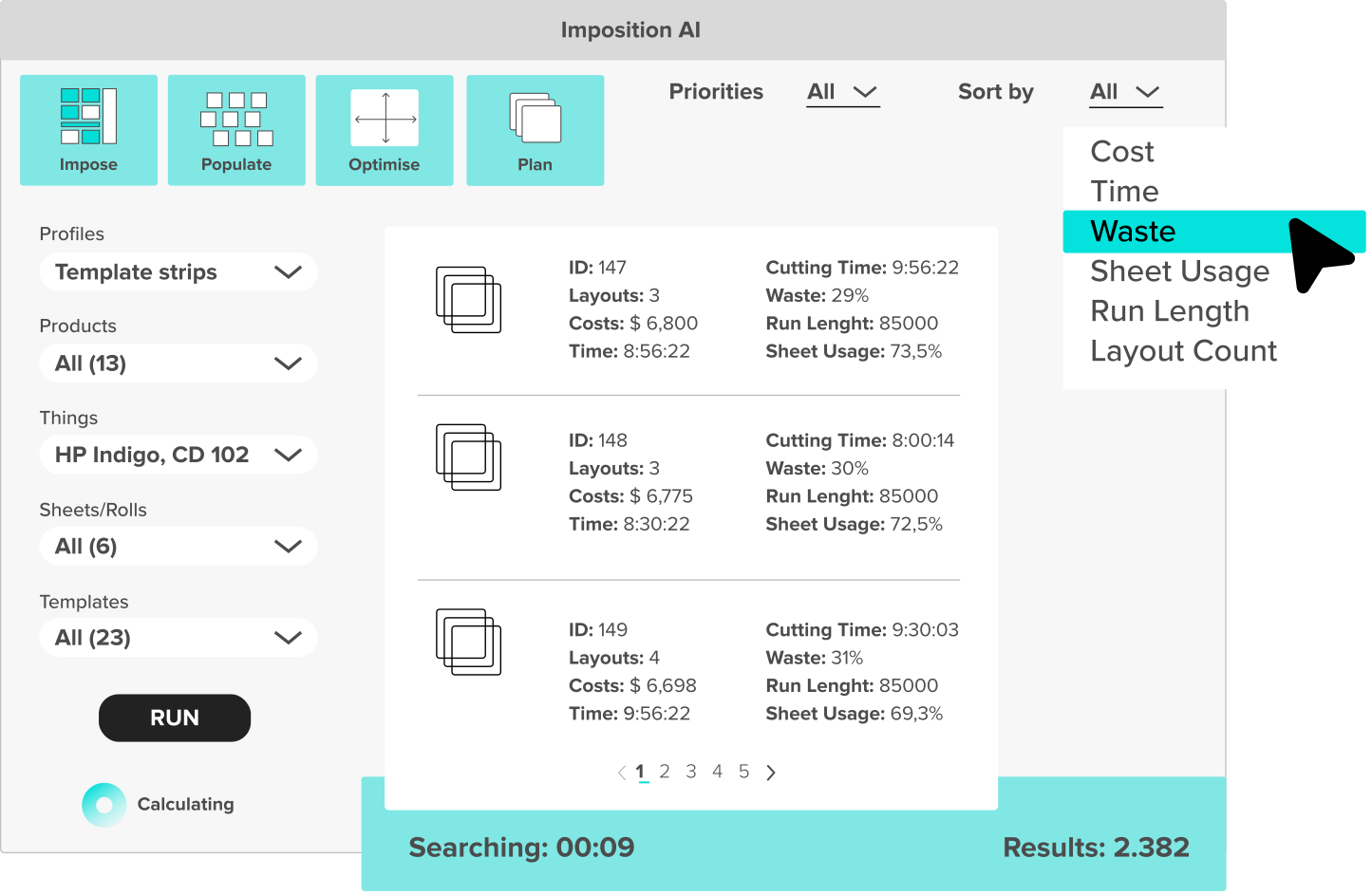
Let AI do the work
Instant setup, infinite possibilities
Phoenix really is smarter than your average software. Think of Phoenix as the ultra-efficient and highly-motivated digital twin of your production floor guru.
How does it work?
- Teach Phoenix: input all your relevant company and production information, including costs of substrates, ink, machine usage, etc.
- Unleash Phoenix: Kick back – or fall over in amazement – as Phoenix calculates the most cost-effective way to produce jobs in seconds. For multiple jobs, Phoenix will also handle the most cost-efficient ganging and imposition for good measure.
Ready to React
Informed job pricing
Phoenix makes it easy to respond to customer job queries with fast, accurate quotes derived from detailed job-cost reports.
- Instant, Accurate Job Quotes: Reply to customers with fast, precise quotes based on device-specific material costs, printing options, delivery times, and more.
- Data-Driven Insights: Empower your CSRs and (pre-)press teams with actionable data, ensuring pinpoint accuracy in your estimates.
- Automate with Switch: Boost your pricing workflow with Switch’s mind-blowing ability to link up people, data, and systems.

“For more custom cuts, that kind of work would take an hour to get ready, which now takes a minute. It’s not us doing it, it’s Phoenix”
Leiman Chan
CEO, NonStop Printing

Supercharge your prepress
Effortless imposition and preflighting
Gain full control over all product properties, plan settings, and export actions to blast through even the most complex of planning jobs.
- Data-Driven Automation: Use CSV data sources to automatically drive job options, simplifying your workflow.
- Template-Free Imposition: Eliminate the need for manual template creation and management.
- Prepress Quality Checks: Ensure files are print-ready with automatic verification through Switch & PitStop integration.
Format freedom
Export for every press specification
Phoenix can export over 13 file formats, including imposed artwork, die cuts, and detailed job time and cost reports.
- Device Compatibility: Drive any press and finishing device with intelligent output generation.
- Production Ready: Export imposed PDF and JDF file formats.
- Comprehensive Cutting: Export die cutting data as CFF2, DXF, PDF, and ZCC.
- Flexible Reporting: Get detailed reports in PDF, XML, and JSON formats.
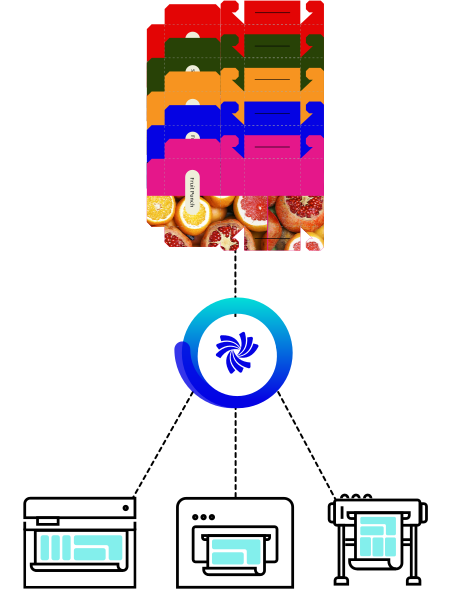
Any device, any format

Wide format
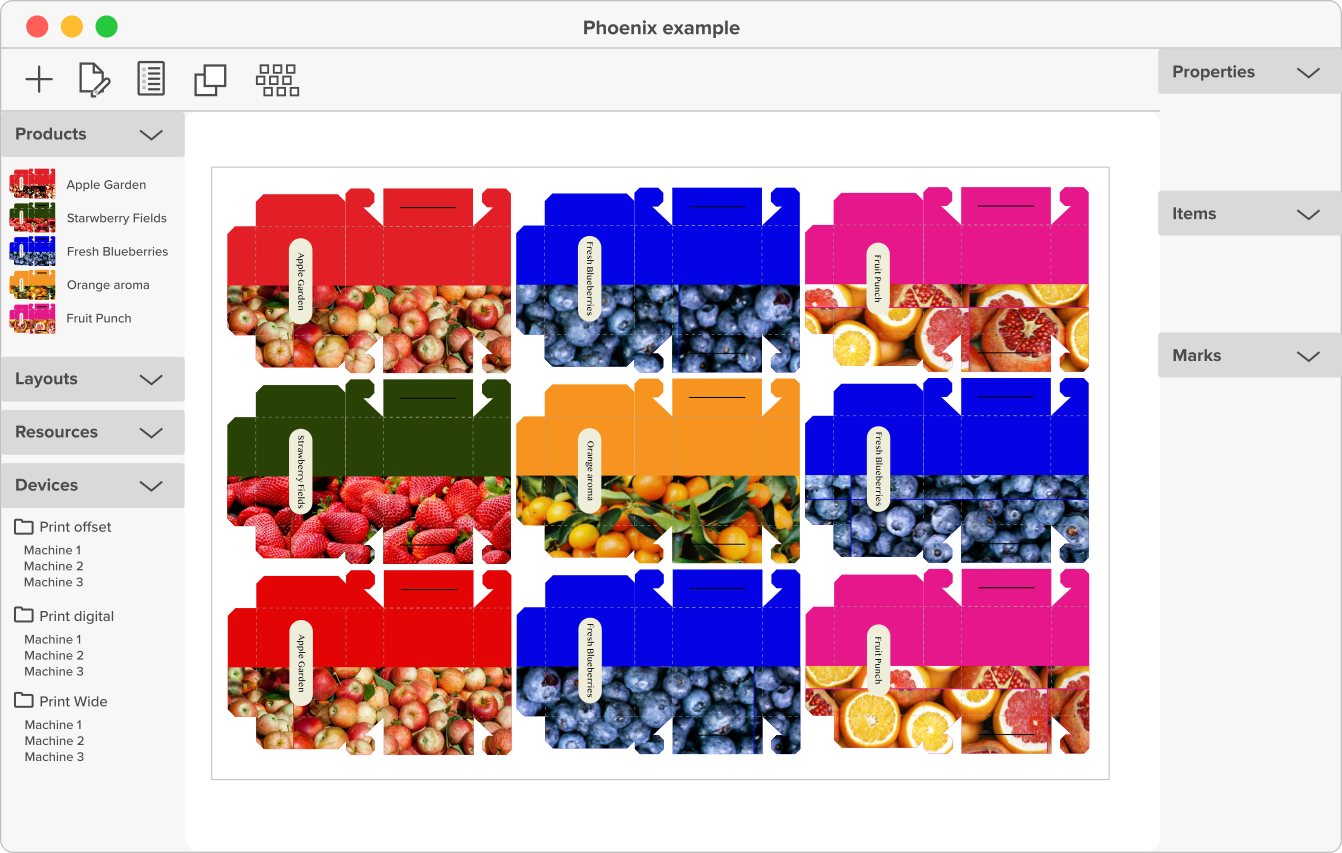
Plan & impose on any sheet or substrate
- Gang jobs by substrate, priority, and more.
- Generate optimal sheet layouts based on cost.
- Set data-driven marks for automated imposition.
- Estimate jobs for different sheets and presses.

Automated Nesting
Press-ready layouts for bound, flat, & step-and-repeat work
- Automatically plan based on materials, presses, and finishing.
- Gang jobs to beat your estimates and increase margins.
- Mix folded and flat work for optimal sheet usage.
- Use one imposition tool for all your print jobs.

Universal Device Support
Intelligent and precise carton & cut lines
- Integrate with cutting devices.
- Set production marks.
- Get press-specific costing, run times, and material usage.
- Auto-populate die cavities based on quantities.
- Identify and resolve bleed overlaps automatically.