
Fit more print jobs on every sheet and roll. Handle Jobs that exceed your printer's limits.
Want to fit as many print jobs as possible on every sheet or roll to maximize media efficiency, cut costs and minimize waste? Doing it manually is slow, error-prone and rarely perfect.
Even many "automated" tools waste space because they only arrange rectangular boxes.
Griffin uses the actual outlines of your artwork, not just rectangles, to calculate the tightest possible layout automatically.
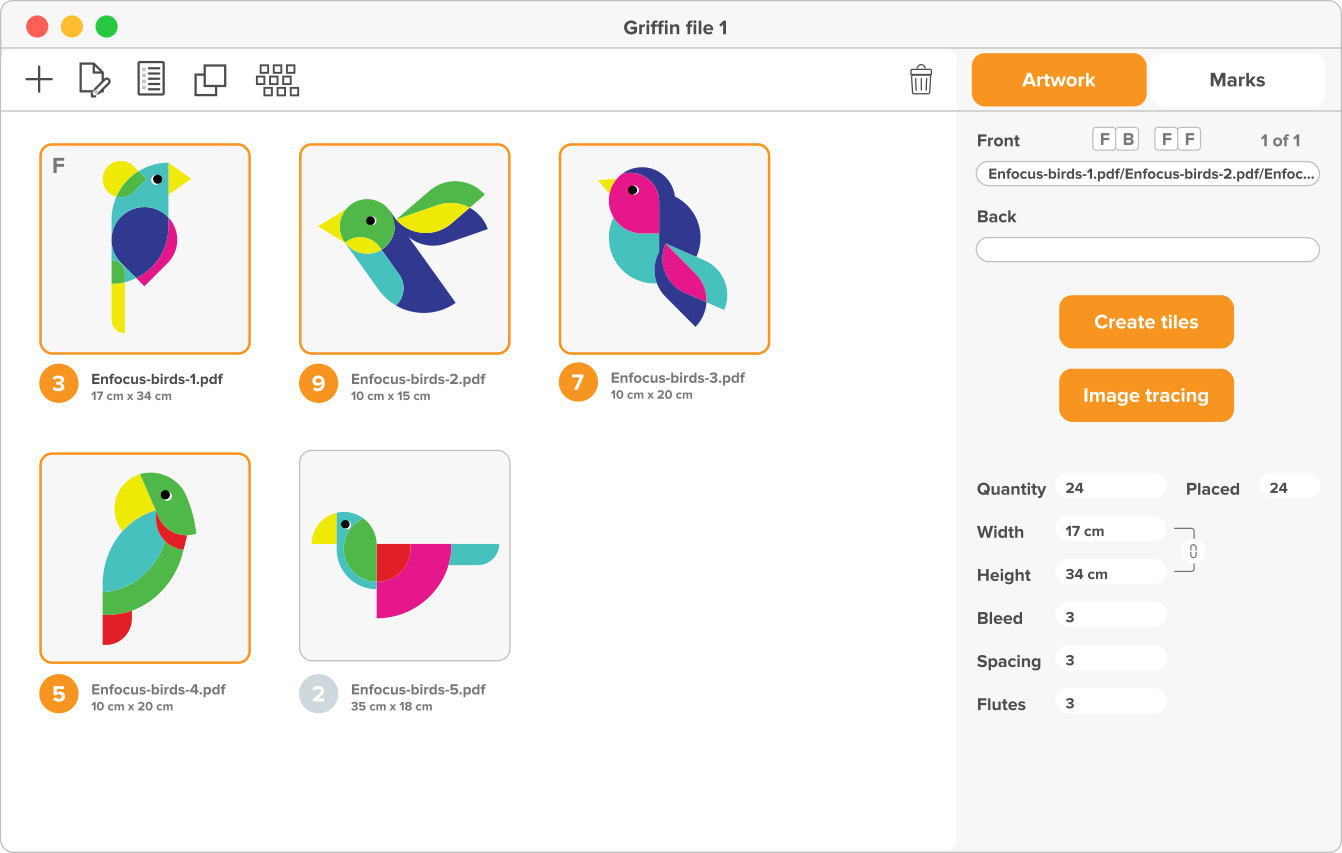
With Griffin, you don't have to treat every job separately. Different designs, whether for one customer or several, can be combined automatically on the same sheet or roll.
This saves media, reduces setup time and lets you handle more work with the same resources.
Buy GriffinA layout isn't finished until it's cut. Missing or inaccurate cut paths can stall production and lead to expensive reprints.
Griffin takes that risk away. It automatically generates precise cut paths around your artwork, even if no dieline is provided, using smart image tracing and fast previews.
Griffin adds the marks your cutters rely on: camera, registration, border and grommets. It even supports double-sided work with turn-and-tumble layouts.
The result: fewer mistakes, perfect alignment and print-to-cut workflows you can trust.
Buy Griffin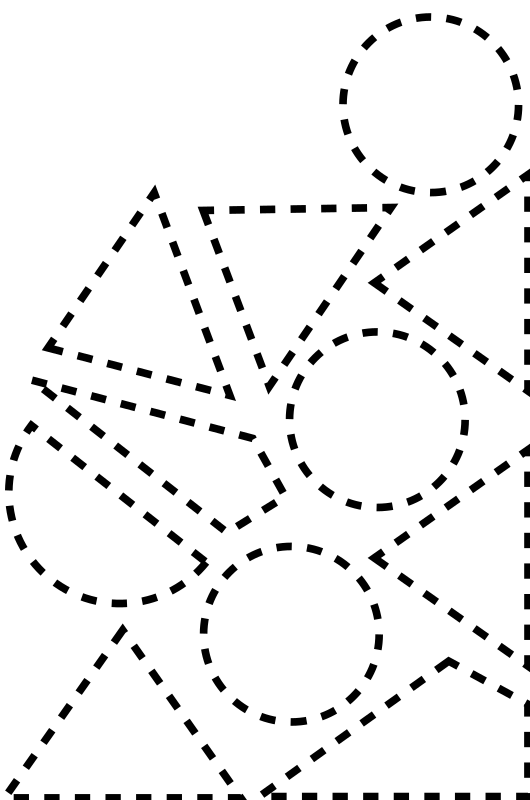
Once your layouts and cut paths are ready, Griffin makes sure they run flawlessly on the hardware you already own. It exports in industry-standard formats like PDF and DXF, optimized for faster RIP processing and shorter turnaround times.
Griffin integrates with a wide range of RIPs, printers and cutters — including Zünd, Kongsberg, Summa, Mimaki and Onyx.

It also generates the production marks your workflow depends on: barcodes, text, job IDs and more.
The result: seamless output for flatbed, roll-to-roll, laser and router cutters.
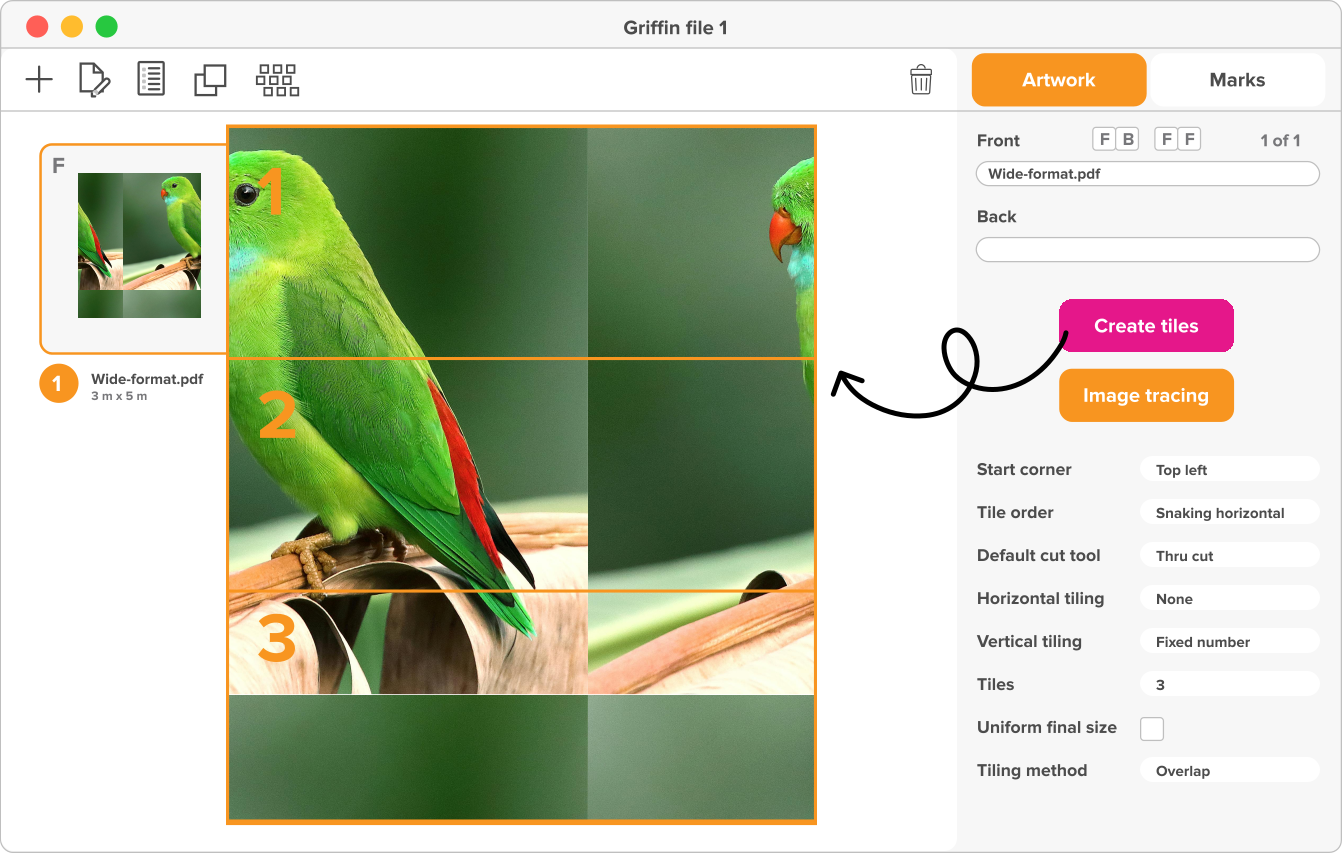
With drag-and-drop control, clear previews and smart defaults for common materials, operators can go from file import to production-ready output in just a few clicks.
Running on both Windows and Mac, Griffin keeps setup simple and lets your team focus on getting jobs out the door, not fighting with software.
Buy GriffinGriffin doesn't just optimize layouts, it proves its value with data. You can generate a PDF report with material usage, waste percentage, machine time saved and nests per sheet.
Proof of your ROI, accurate data for quotes and visibility into efficiency gains. With Griffin, efficiency isn't just a promise, it's visible.
Download sample reportGriffin lets you save crucial settings like specific printer or cutter marks, or tiling rules, as Presets. Operators apply the exact required setup in seconds, locking in production standards every time. This delivers faster setup, consistent results across all shifts, fewer errors, and maximum efficiency on high-volume work.
Griffin comes in two versions, both powered by the same advanced nesting engine. Desktop for operators, Auto for automation.
Want to automate the handling of incoming jobs? Griffin can also run as a REST API, built specifically for wide-format workflows that run around the clock.
The result: enterprise-level scalability, hands-off operation and seamless integration with MIS/ERP systems. With 300+ configurable properties, Griffin gives you the flexibility to grow without adding staff.
We continuously improve Griffin's algorithms and support new printers and cutters. All while getting faster and smarter with every update.
Contact UsThere are other nesting and tiling solutions on the market. But most of them stop at simple rectangular layouts or lock you into a single hardware vendor. Griffin is different.
Why choose Griffin?
Packs irregular shapes tightly, not just bounding boxes.
Works with a wide range of printers, cutters and RIPs. So you're never tied to one brand.
From nesting and tiling to cut-path generation, production marks and device-ready output.
Connects with PitStop Pro for file corrections and with Enfocus Switch for end-to-end automation.
Intuitive interface with presets, templates and drag-and-drop control. Plus Griffin Auto for enterprise-level automation.
Griffin combines the power of advanced automation with the flexibility to fit into any wide-format workflow.